Water quality, new partners, growing team
April was another big month at Iterating! We’ve shipped full water quality modelling, the last major piece of the EPANET engine we hadn’t yet exposed. Any model you can run in EPANET, you can now run in epanet-js.
Alongside that, we’re welcoming two new Founding Partners (Affinity Water and AtkinsRéalis), and we’ve grown the team to five.
There’s also a stack of new features: asset search, local vector layers on the basemap, simulation playback, in-app team management, and engine improvements that make simulations up to twice as fast.
Water quality modelling
This is a big one. epanet-js now supports the full range of standard water quality analyses, and with that, every major capability of the EPANET engine is available in the app.
You can run:
- Water age: identify areas of stagnation in your network.
- Source tracing: see how water from different sources blends through the system.
- Chemical transport and decay: model things like chlorine residual moving through the network over time.
This is another major step toward making epanet-js a complete, professional-grade tool for hydraulic modelling. You now have a practical way to manage water quality directly in the browser, with no desktop install or workaround required.
Two new Founding Partners
We have two more organisations joining the Founding Partner programme this month, and they’re a strong signal of where the industry is heading.
Affinity Water
Affinity Water, the UK’s largest water-only supplier, has joined as our second Founding Partner. They bring a lot of practical operational experience to the table, and they’re working closely with us to pressure-test new features and guide the roadmap so it works for real-world utility planning.
A big part of this partnership is a shared focus on social impact. By backing a web-based, open-source tool, Affinity Water is helping improve access to engineering software in regions where there are fewer options.
AtkinsRéalis
AtkinsRéalis is joining as our third Founding Partner. As one of the largest engineering consultancies in the world, they bring perspective from large-scale projects and complex digital workflows. Their input will help us make sure epanet-js holds up under the most demanding real-world applications.
Having a major global consultancy back the project is another sign that the industry is moving toward more open, accessible hydraulic modelling.
Thank you
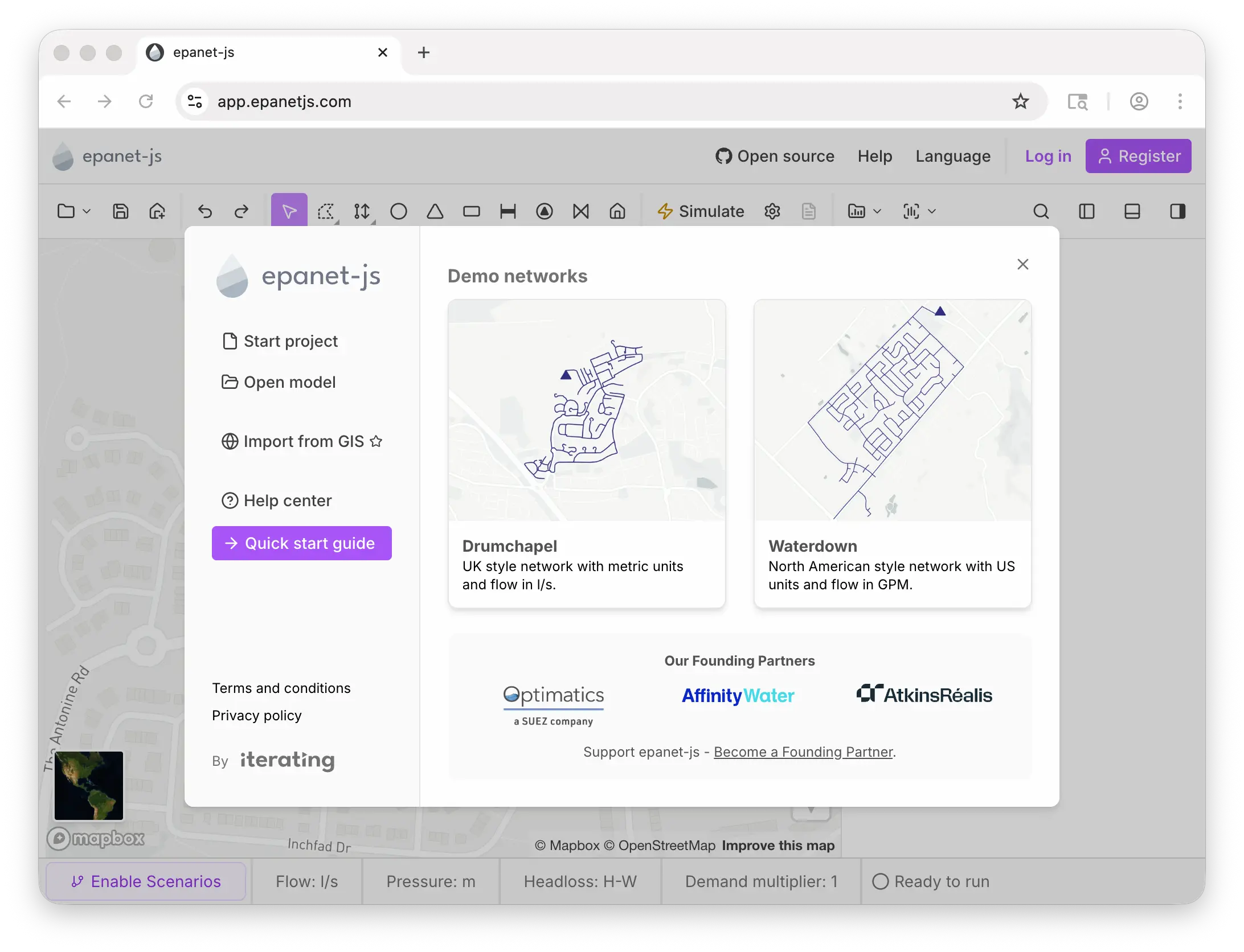
Thank you to Optimatics, Affinity Water, and AtkinsRéalis for being our first three Founding Partners. We now have utilities, consultants, software vendors, and academics all working with us, not just to build a better user interface, but to build a stronger and more capable open-source hydraulic engine.
And finally, a huge thank you to the thousands of users choosing to use epanet-js each month. To everyone who has shared thoughts, comments, and feedback: this is a community-led project at its heart, and we couldn’t do it without you.
Join us
We’re still looking for more organisations to join Optimatics, Affinity Water, and AtkinsRéalis in steering the direction of epanet-js.
- Strategic influence: Monthly product calls and a private Slack channel with our dev team.
- Unlimited pro licenses: Equip your entire organisation with epanet-js Pro.
- Industry visibility: Branding on the welcome screen, homepage, and newsletters.
If your team would like to be involved, reach out at founders@iterating.ca.
The team is growing
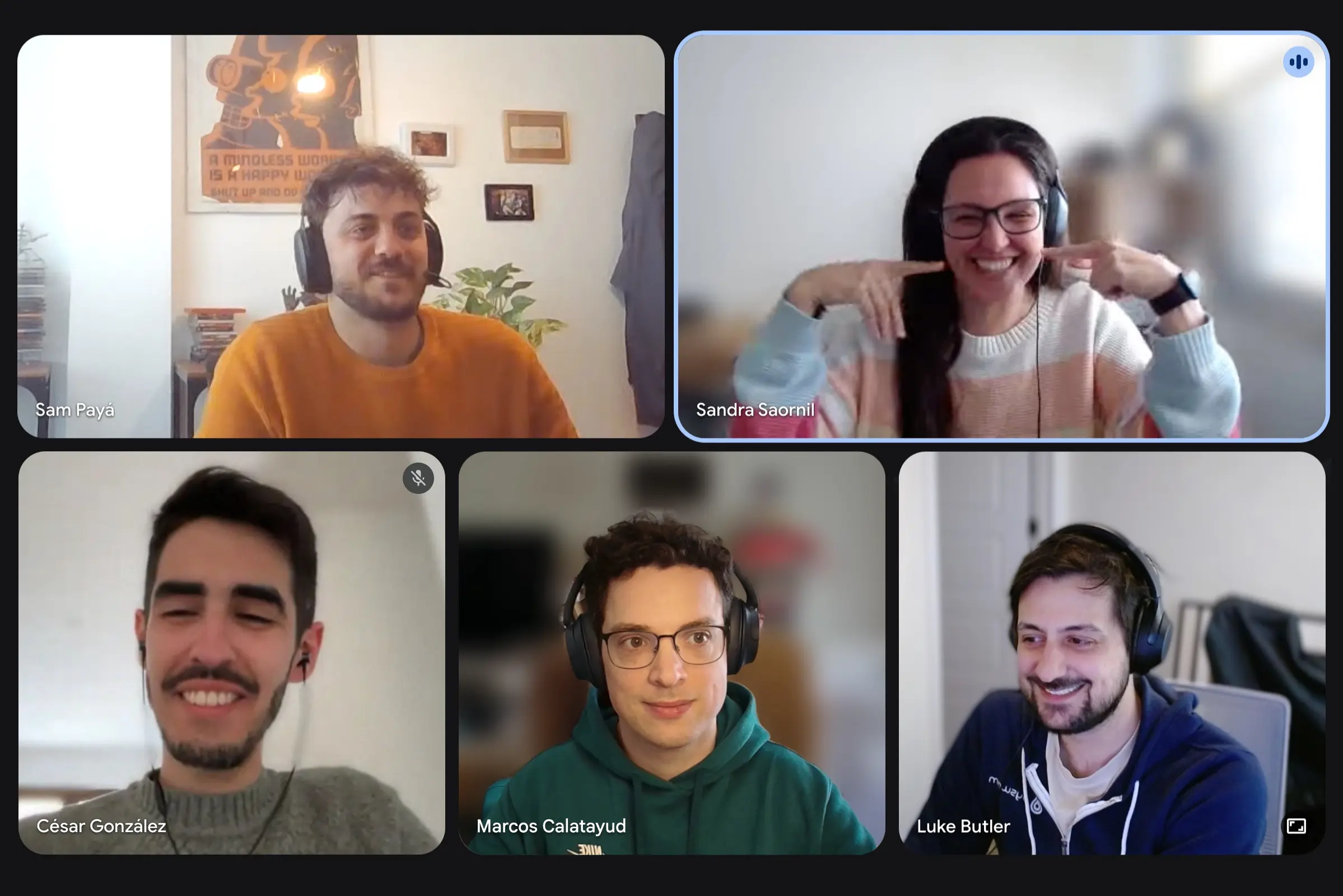
Iterating is now a team of five. César González Segura has joined as a product engineer, and Marcos Calatayud as a product designer. They’re working alongside Luke, Sam, and Sandra (who joined us back in October).
With more capacity on the team, we can move faster on the roadmap and deliver more features, both in epanet-js and across the EPANET engine work we have planned.
Engine performance: simulations up to 2× faster
Have you noticed that simulations in epanet-js are suddenly running faster?
We’ve made a set of improvements to the underlying engine, and you should now see simulations completing up to twice as fast as before. These changes have landed in the latest version of the epanet-js toolkit, so other applications using our engine will see the benefit too.
While the impact won’t be as dramatic for the core EPANET engine, some of these improvements apply there as well. We’ll be contributing those changes back to the EPANET repository so users of the standard engine get the same benefit. We want the work we do to help the entire EPANET ecosystem move forward, not just our app.
Asset search
A long-requested feature is here. You can now search for assets by ID and zoom straight to their location on the map. The tool also remembers your recent searches, so it’s easy to jump back and forth between key areas of your network.
It’s a small addition that makes a big difference on large, complex models. Less panning, less zooming, less hunting for a specific pipe or tank.
Soon you’ll be able to search for more than just assets, including curves, patterns, and other network data, all from one central place.
Map visualisation
We’ve added three improvements to how you visualise your network on the map.
Custom vector layers
You can now load your own GeoJSON or Shapefile data as additional layers on top of the basemap. Useful for overlaying things like service zones, asset locations, or property boundaries that aren’t part of the hydraulic model itself.
Choose your map label
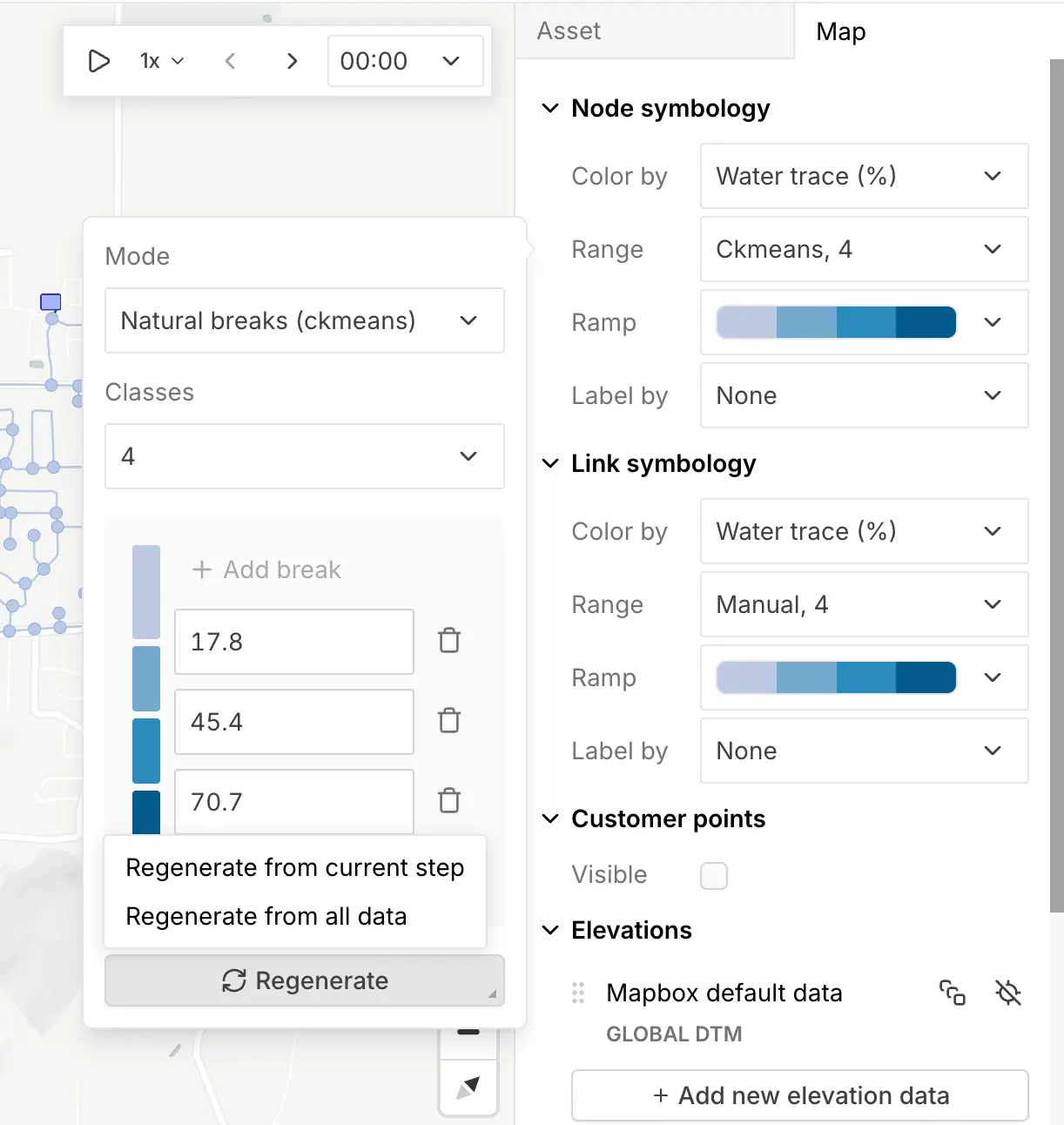
Map labels are no longer tied to the color-by property. You can now pick any property (pressure, velocity, ID, or anything else) to display as the label, regardless of what the colors are mapped to.
Color breaks across all timesteps
When you run an EPS simulation, the Regenerate button in the ramp editor now offers two options:
- Regenerate from current step: calculates breaks from the timestep you’re viewing.
- Regenerate from all data: calculates breaks across the whole simulation, giving you a single color scale that works for every timestep.
By default, breaks are calculated from the first and last step. You can switch to “all steps” on demand for a more representative view across long simulations.
Simulation playback
EPS results are now animated. We’ve added a playback controller that automatically cycles through your simulation timesteps, with adjustable speed. Hit play, and you can watch your network’s behaviour change over time directly on the map.
Team plan management
If you’re on a Teams plan, you can now manage your team directly inside epanet-js. Invite new users and adjust access levels yourself, all from within the app.
It’s a small change but it removes a lot of friction. Extending access across your organisation is now self-service rather than something you need to email us about.
Improvements
- Stop simulation: A new Stop simulation button in the progress dialog cancels a running simulation.
- Faster long-simulation UI: The time step selector and quick graph used to be slow on long simulations. Both now switch instantly.
- Decimal copy and paste in tables: Copy and paste decimal numbers directly into curves, patterns, demands, and other tabular data.
- Better WGS84 auto-detection: Some networks with XY coordinates were being misinterpreted as latitude and longitude, including a few common EPANET test networks. We now validate coordinate ranges before assuming WGS84.
- Damp limit can now be 0 in the simulation settings.
- Browser compatibility warning: epanet-js relies on modern web technology, and some older browsers can’t run it. We now show a clear warning and disable simulation in browsers that aren’t supported.
- Collapsing toolbar on small screens: Related drawing tools group into a dropdown on smaller screens to keep the toolbar usable.
Community and growth
Speaking at the EWRI Congress in Mobile, Alabama
This month Luke joined Hyoungmin and Terra from the US EPA at the 2026 World Environmental & Water Resources Congress in Mobile, Alabama, for a half-day workshop on the state of EPANET and SWMM. We walked through the EPANET 2.3 release, the role of open-source contributions, and where the engine is headed next. We also demoed the new EPANET user interface developed by Lew Rossman, and Luke ran through epanet-js and the work Iterating is doing to keep the engine active and sustainable.
The workshop afterwards was very productive, with a lot of practical input on both short-term features and long-term goals. It was encouraging to see how supportive the community is of the engine and the need for its continued development.
Thank you to everyone who attended, and to all the speakers who covered both EPANET and SWMM. We’re bringing all that feedback together now and will share more on the outcomes soon.

What’s next
Plenty more coming over the next few months:
- Time-series plotting: Plot multiple elements and simulation results together in a single graph.
- Hydraulic profile plots: Long-section views from a start node to an end node, with elevation, pressure, and HGL all on one chart.
- Export results (GIS, CSV): Get data out for reporting and mapping. We’re adding export to CSV, Excel, GeoJSON, and Shapefile, with the option to include simulation results with the asset data or export full time-series data.
- Data tables: Another long-requested feature. Full asset data tables you can view, edit, copy, and paste from.
Support EPANET by using software that supports it back.
— Luke and Sam