Import models from InfoWater Pro, WaterCAD, WaterGEMS, and InfoWorks WS Pro directly into a lightweight browser workspace. Keep your operational scenarios, asset attributes, and calibration data fully intact.
No login needed
Distribution models represent years of engineering effort, field calibration, and institutional knowledge. Yet most of these models remain locked inside proprietary vendor containers. When an expensive annual license lapses, or when a consultant delivers a format your team cannot open, accessing that engineering data becomes an unnecessary obstacle.
epanet-js removes proprietary gatekeeping by opening commercial models directly. Network geometry, operational scenarios, and custom attributes import cleanly, run on the standard EPANET 2.3 engine, and are automatically verified against stored simulation results. Whether you are reviewing an inherited file or evaluating alternatives to legacy subscriptions, your model remains completely accessible.
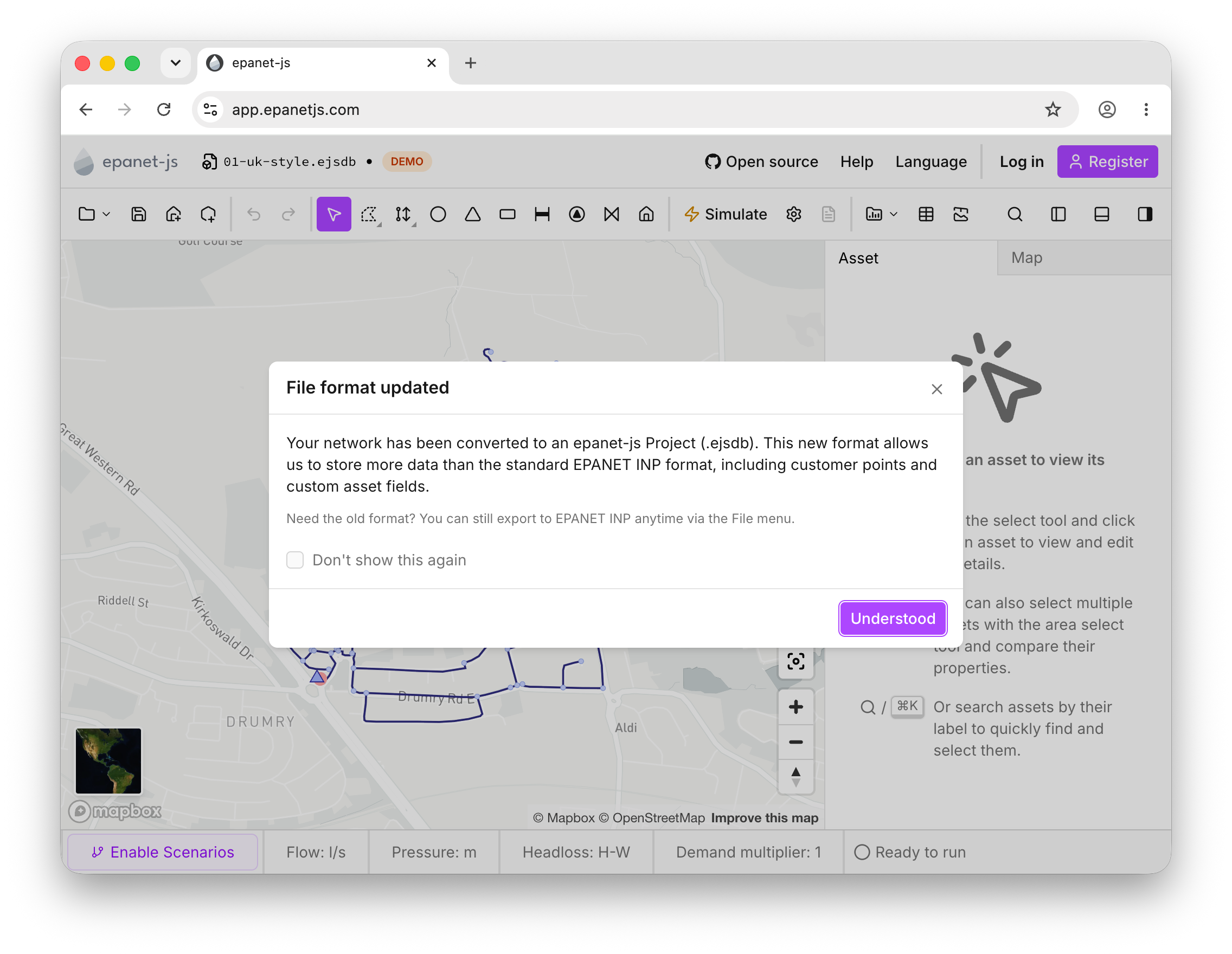
Traditionally, moving a model out of InfoWater Pro, WaterCAD, WaterGEMS, or InfoWorks WS Pro meant exporting a bare-bones .inp file. That workaround strips critical project data—including scenario hierarchies, customer billing associations, and custom GIS attributes—leaving you to reconstruct the model manually.
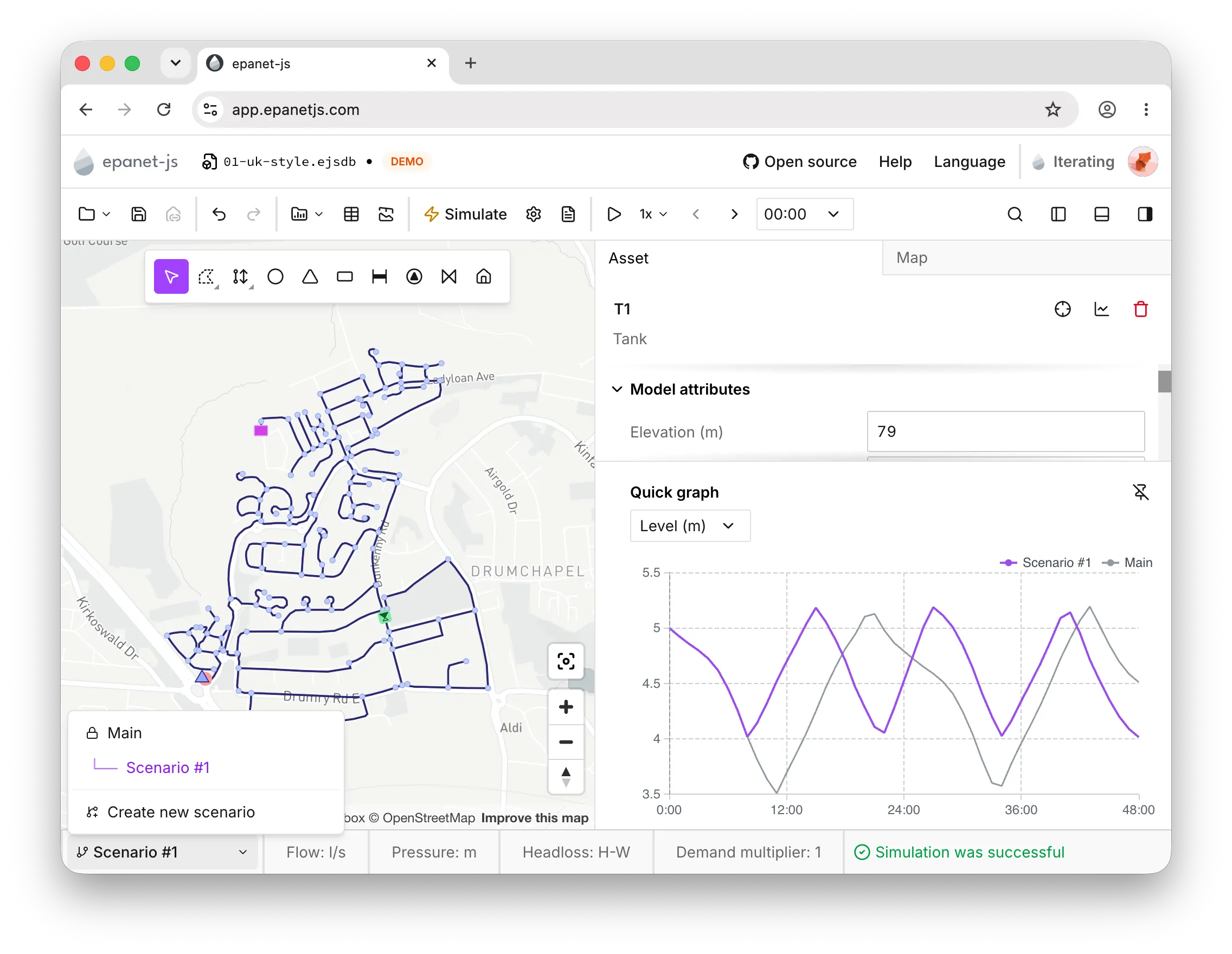
epanet-js reads native commercial formats directly. Opening a model brings over its full scenario tree and asset attributes, allowing you to pick up work immediately in a modern, responsive workspace.
Because interoperability works both ways, you can use epanet-js for daily analysis while maintaining compatibility with legacy client mandates. Learn how epanet-js compares directly with InfoWater Pro, WaterCAD & WaterGEMS, and InfoWorks WS Pro.
Opening an unfamiliar or inherited network shouldn't require manual file audits. Upon import, epanet-js generates a structured diagnostic report detailing asset counts, pipe connectivity, demand allocations, and complex control rules that warrant engineering review.
epanet-js then simulates the network and compares the computed heads and flows directly against the run results stored in the source file. Discrepancies are highlighted on the map immediately, giving you verified confidence in model parity before you proceed with scenario evaluations.
my-network.inp
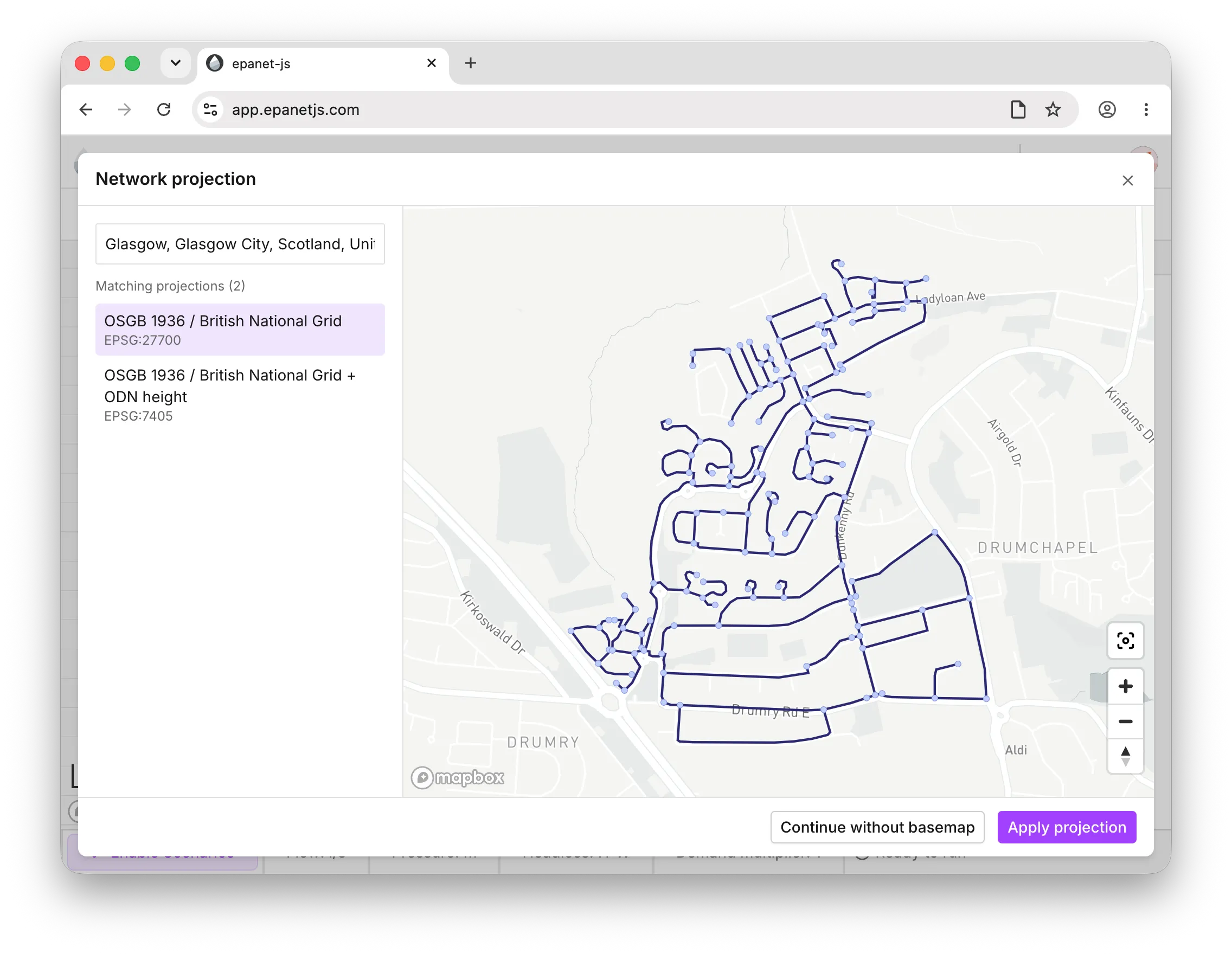
Commercial packages often embed coordinate system metadata, but legacy EPANET .inp files frequently rely on arbitrary CAD grids or local coordinates without defined projections. Historically, aligning these models required manual reprojection in external GIS tools.
The epanet-js Projection Finder streamlines georeferencing during import. Search by EPSG code, projection name, or the municipality the network serves, and choose from candidate projections to seat the network accurately on satellite and street basemaps. The software projects the visual overlay cleanly without altering the model's native coordinate definitions.
The industry relies on .inp as its universal interchange standard. epanet-js runs an unmodified EPANET 2.3 toolkit (v2.3.5), ensuring complete numerical and behavioral parity with official EPA releases—the same friction calculations, pressure formulations, and solver outputs.
For broader project needs, projects save in the open .ejsdb format. This format preserves modern assets that fall outside the standard .inp schema—such as individual customer meter points, DMA boundaries, and scenario definitions—allowing your project to grow without sacrificing compatibility.
A flexible modeling tool should never create a walled garden. Everything created or edited in epanet-js exports cleanly: save models back to standard .inp, export network assets to Shapefile, GeoJSON, CSV, or XLSX, and pull time-series simulation outputs directly into spreadsheets for engineering reports.
When contract specifications mandate a deliverable in a specific legacy software, our documented round-trip export guides make handoffs simple. You can conduct your builds, calibrations, and scenario evaluations quickly in epanet-js, then package the final model for client sign-off in InfoWater Pro, WaterCAD, or InfoWorks WS Pro.
Open native files from InfoWater Pro, WaterCAD, WaterGEMS, and InfoWorks WS Pro with scenarios and custom attributes intact.
epanet-js simulates the imported network on the EPANET 2.3 engine and benchmarks the results directly against stored run data to verify parity.
The built-in projection finder aligns models using local or unknown coordinate systems to the real-world basemap in seconds.
Export networks and simulation results to standard .inp, GeoJSON, CSV, Shapefile, or XLSX whenever you need to share data with other teams.
Open your model on our free tier to verify its geometry and simulation results on a modern basemap, or book a demo to discuss team migration workflows.
No login needed
Once imported, your model is immediately ready for analysis. Conduct extended period simulations, evaluate operational scenarios, test fire flow capacity, run water quality simulations, or allocate customer meter points for comprehensive demand analysis.
See what else you can do once your network is loaded.
Frequently asked questions about importing hydraulic models into epanet-js.
Open your commercial model in seconds and experience local-first speed with full export flexibility. Launch epanet-js or schedule a technical walk-through.
No login needed